Loading spinnerPopular
27.4 KBsample-animated-spinner.gif
Small looping spinner, 24 frames. Perfect for loading-state and animation tests.
- 160 × 160 px
- 24 frames
- Loops forever
Animated and static GIFs for testing playback, transparency and upload handling. The animated files show a frame counter, so dropped frames are easy to spot.
sample-animated-spinner.gif
Small looping spinner, 24 frames. Perfect for loading-state and animation tests.
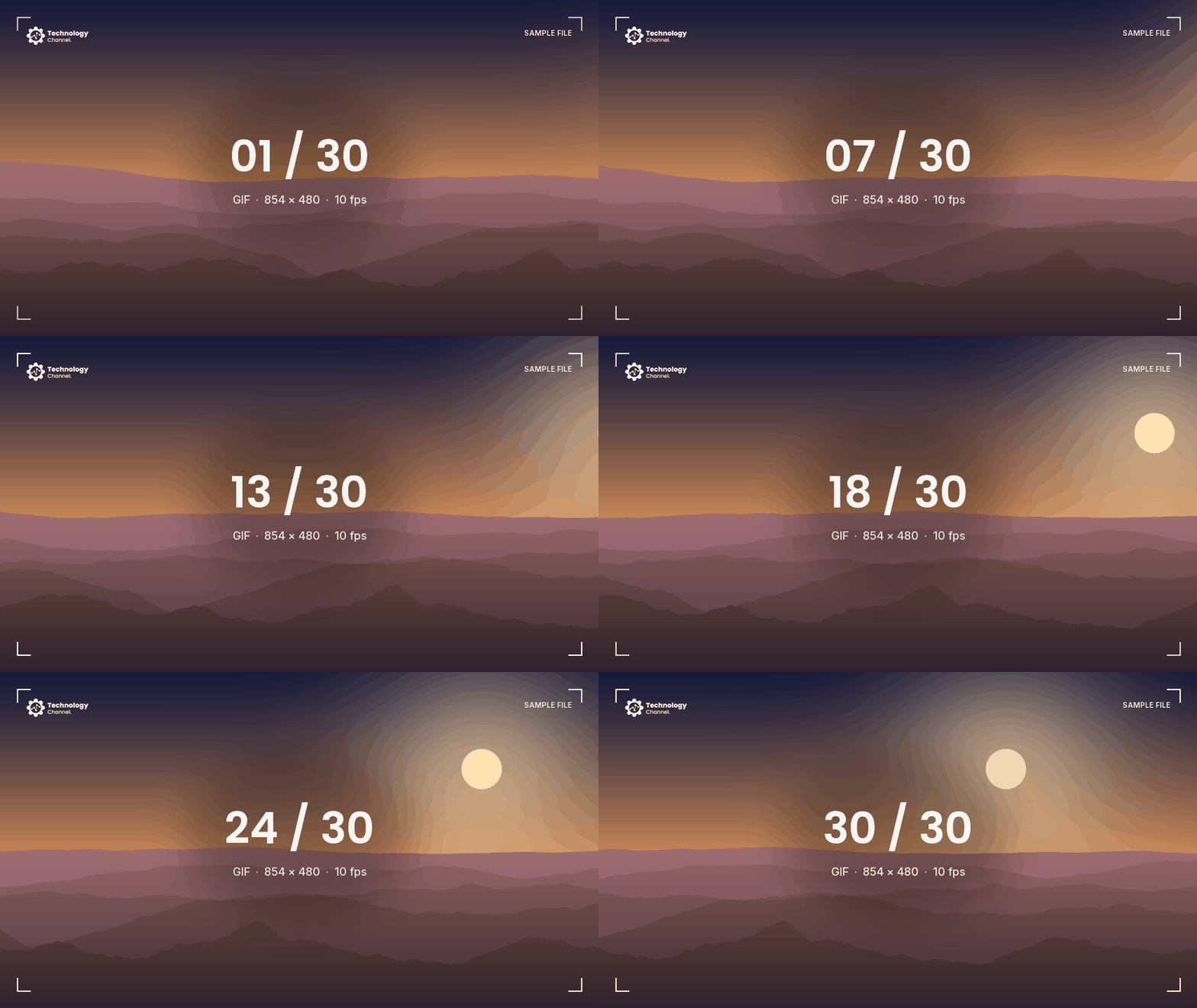
sample-animated-480p.gif
Three-second animated pan with a visible frame counter, so you can spot dropped frames.
sample-static.gif
Single-frame GIF. Checks that your code does not assume every GIF is animated.
sample-transparent.gif
Pulsing shape on a transparent background. Tests GIF transparency and frame disposal.
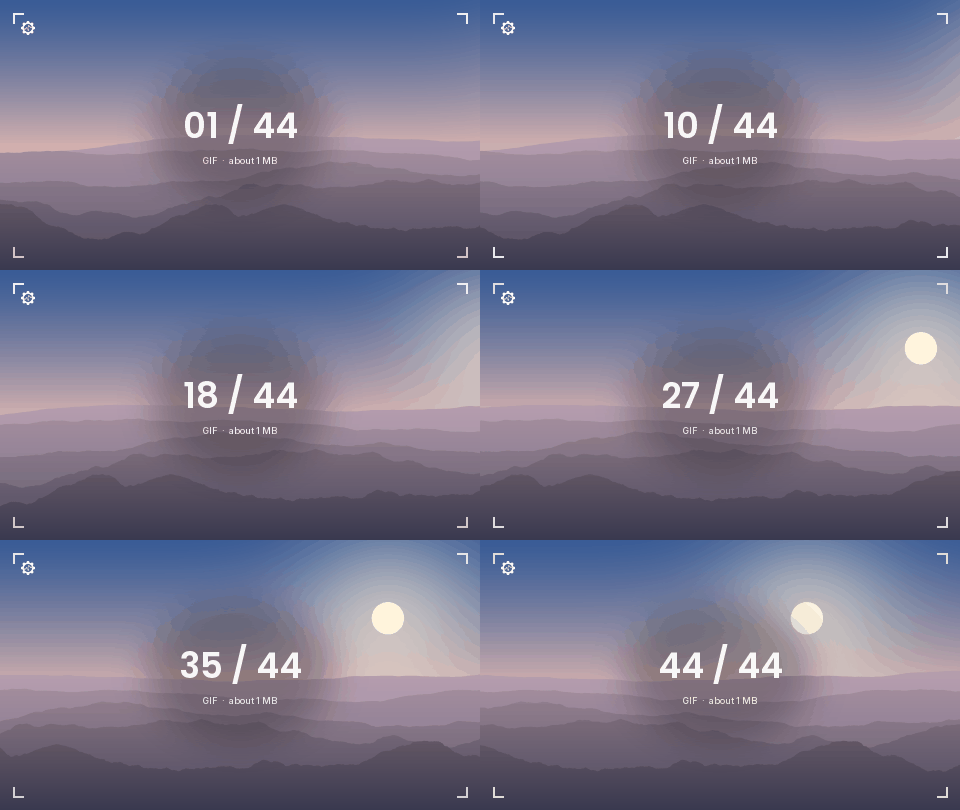
sample-1mb.gif
Animated GIF of roughly 1 MB (44 frames). Use it for upload limits and memory tests.
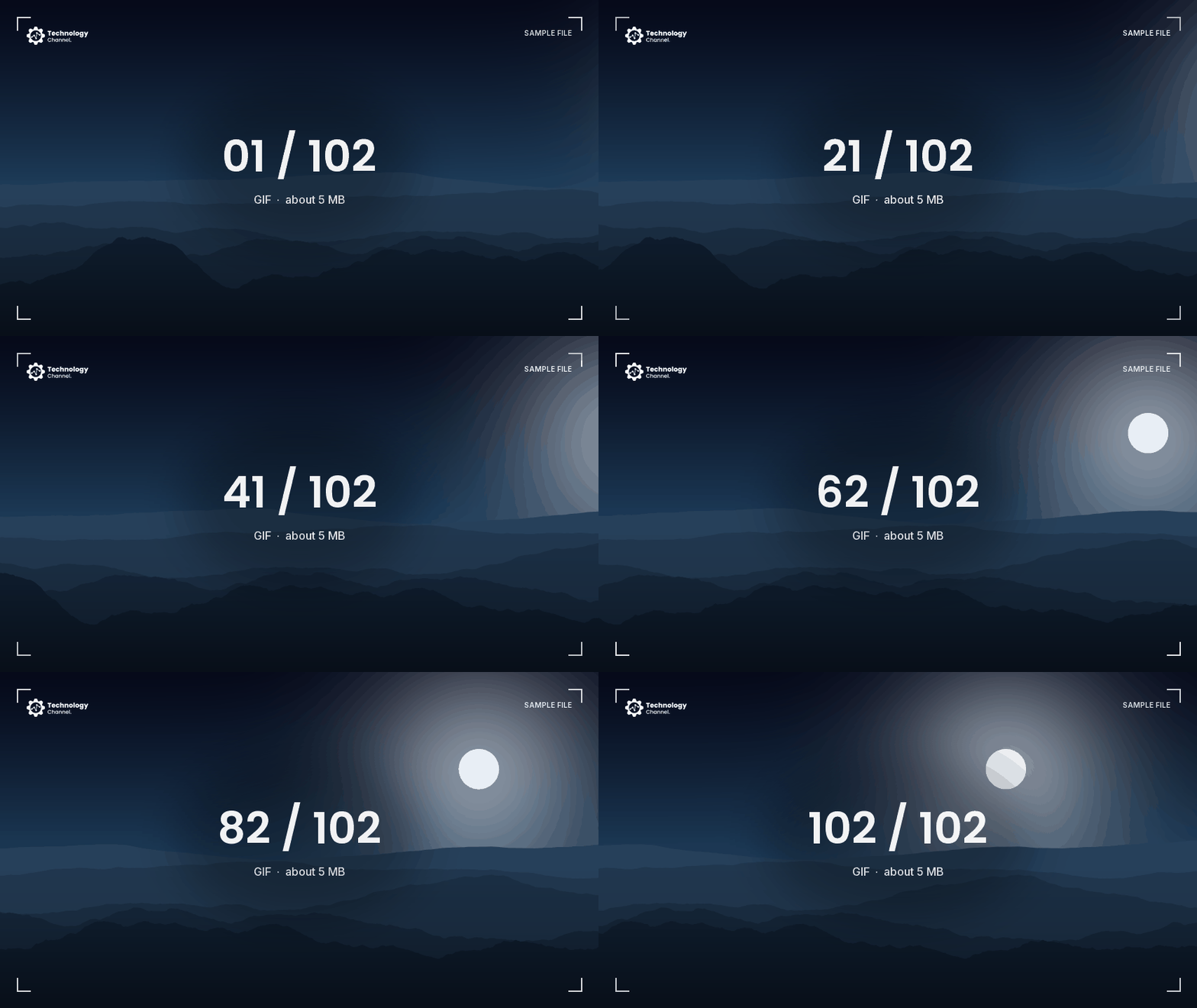
sample-5mb.gif
Animated GIF of roughly 5 MB (102 frames). Use it for upload limits and memory tests.
Create a valid GIF file of any exact size, byte for byte, right in your browser. Nothing is uploaded, and you can generate as many as you like.
| Extension | .gif |
|---|---|
| MIME type | image/gif |
| File signature | 47 49 46 38 39 61 (GIF89a) |
| Origin | CompuServe, 1987 · GIF89a, 1989 |
| Files here | 6 · 6.9 MB in total |
| License | Free for any use, no attribution |
GIF (Graphics Interchange Format) was introduced by CompuServe in 1987. The GIF89a version added animation and transparency. Each frame is limited to a palette of 256 colors.
GIF is still everywhere for short animations, but it is inefficient. The same clip as MP4 or animated WebP is often many times smaller.
<img src="files/gif/sample-animated-spinner.gif"
width="80" height="80" alt="Loading">curl -O https://samplefiles.technologychannel.org/files/gif/sample-animated-spinner.gifEach frame shows its frame number, so you can see whether a player skips, repeats or reorders frames.
Yes. The animated files are set to loop forever, which is how most apps and browsers expect animated GIFs to behave.
Yes. Every GIF file here is free for any use, including commercial testing, demos and tutorials. No attribution is required.
Yes, as many times as you like. There is no sign-up, no daily limit and no waiting timer. Direct links also work in scripts, CI jobs and automated tests.